


What you bring
Give Lingo the event details, the audience, the images and the action you want visitors to take. Ask for a prepared page on the WordPress site you have connected.
 Lingo Chats
A useful introduction often needs a page behind it. With an authorized WordPress connection, ask Lingo to prepare a page or improve existing content using Bruno’s website building tools.
Start with Lingo ↗See a worked example ↓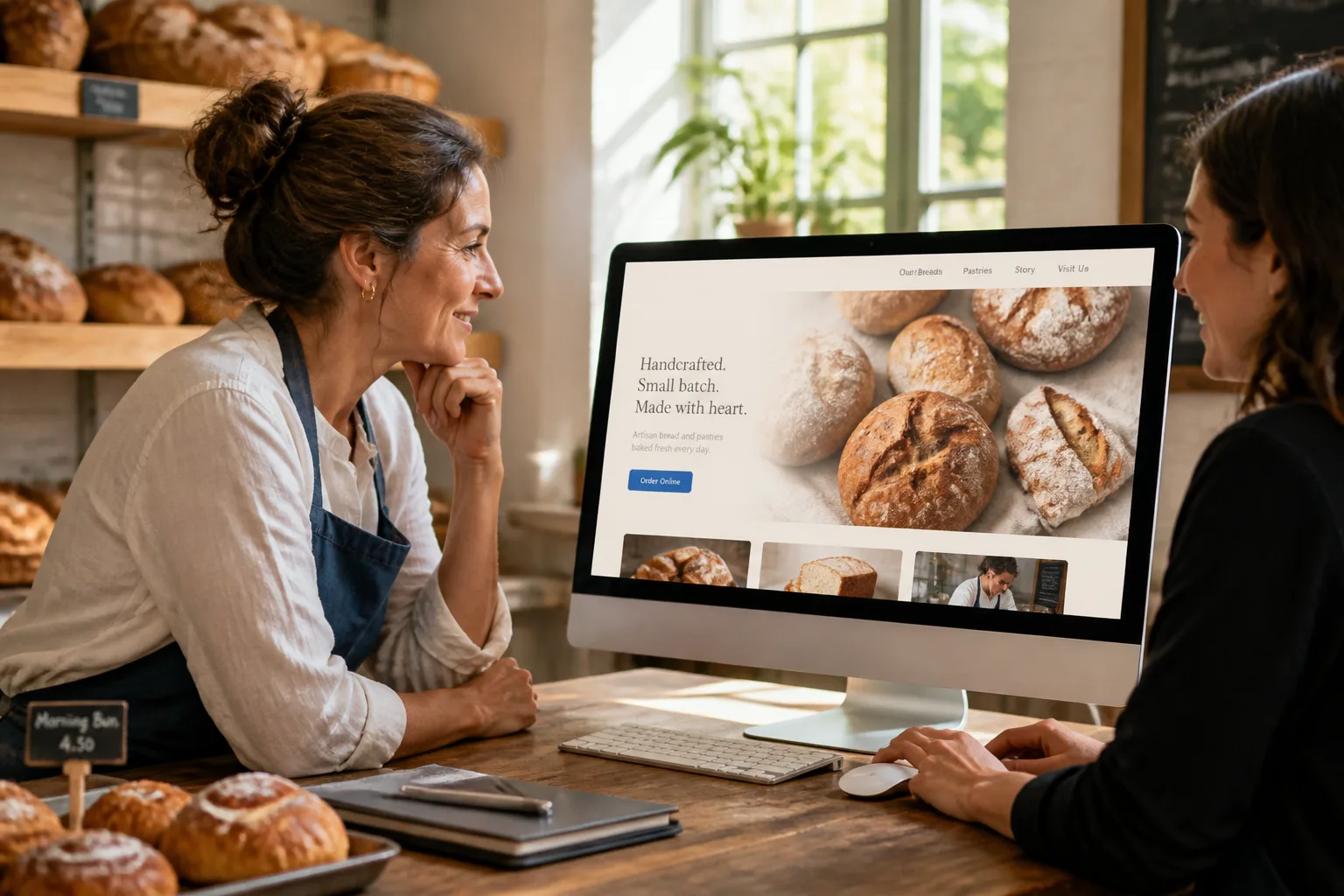
The introduction is warm. The next page needs to explain who you are, what is happening and what the person can do next. Lingo can work with an authorized WordPress site to prepare that destination.
Give Lingo the event details, the audience, the images and the action you want visitors to take. Ask for a prepared page on the WordPress site you have connected.
The workflow prepares a preview using the supported site tools. The sample page shown here is an illustrative layout for the fictional workshop, not a claim that your own website was changed.
Review the preview and authorize the publication you want. Preparing media and preparing a page are different from confirming that the page is live.
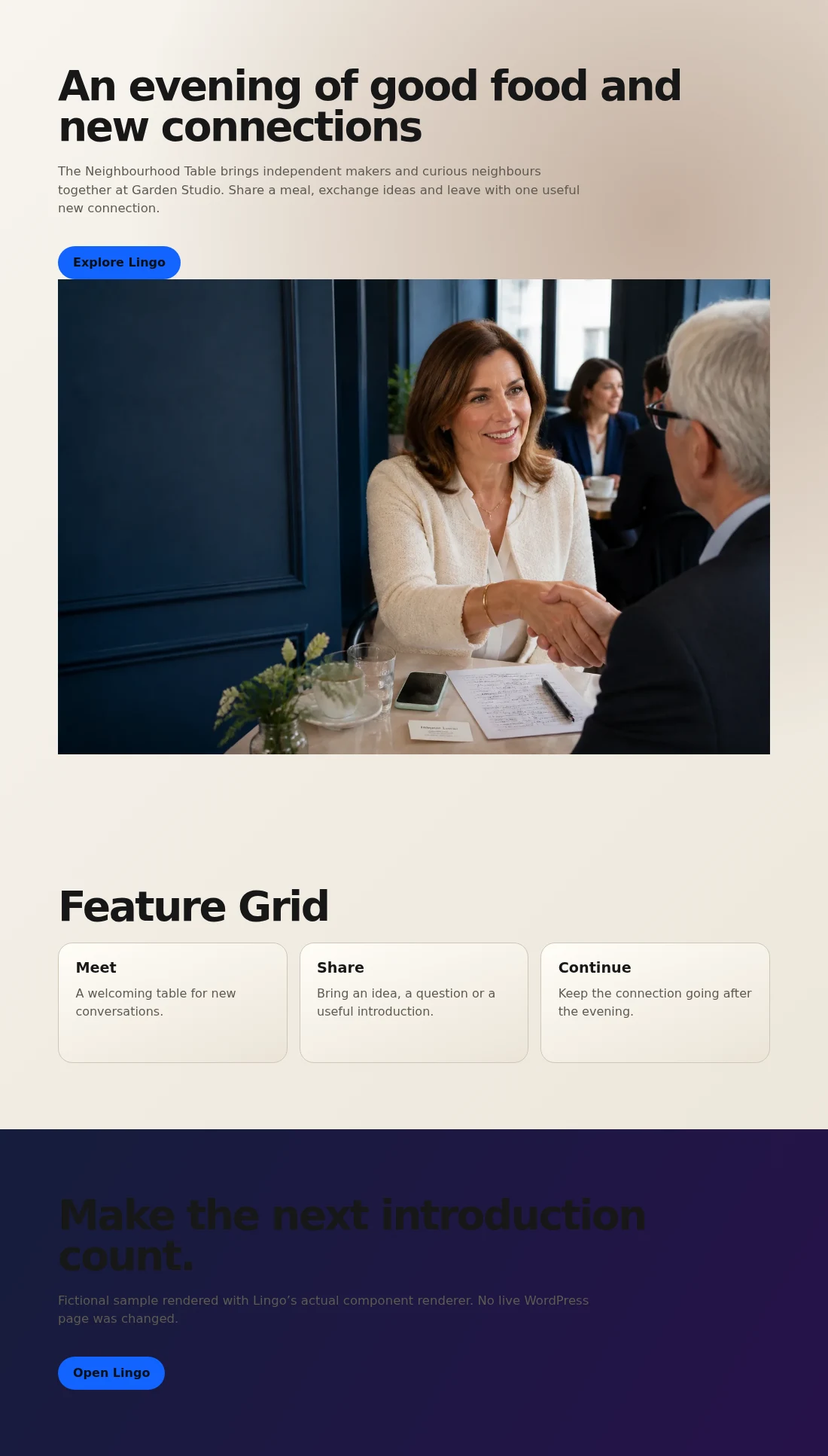
The useful page may be an event invitation, a clearer introduction or an update to existing information. Start with the reader and the purpose, then ask Lingo to prepare the content and images for that visit.
People with a WordPress site · Event and community organizers · Businesses sharing a new introduction
✓Find pages on your connected site
✓Prepare a new page or update
✓Use structured website components
✓Bring generated images into the page
✓Review a preview and authorize publication
Connect an allowed WordPress site. Page changes follow the site’s permissions, preview and approval settings.
Use the service from your Lingo account. For account access and any plan conditions, use the options shown in the app.
Open Lingo ↗One event. A clear invitation. A useful action. A layout that adapts when someone opens it on their phone.
Try the sample page ↗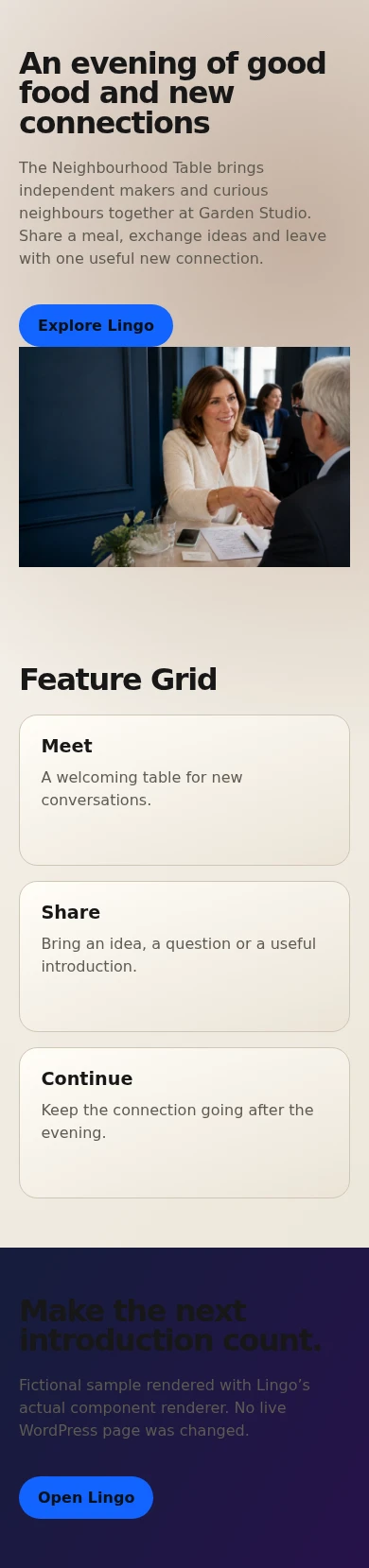
No. Lingo should distinguish prepared work from confirmed publication and report what the publishing tool actually completed.
Connect an allowed WordPress site. Page changes follow the site’s permissions, preview and approval settings.
No. The interface examples use fictional sample data. Generated photographs are illustrative. The downloadable samples are provided so you can inspect the format and result.
Start with one person, one promise or one thing you want to move forward.