


What you bring
Start an inbox review or ask to work with a specific group of messages. Lingo can organize proposals into useful categories, including people and organizations when the available evidence supports them.
 Lingo Chats
An overloaded inbox makes it harder to notice the people who need an answer. Lingo includes email organization tools and a cleanup review flow that groups recommendations for your review.
Start with Lingo ↗See a worked example ↓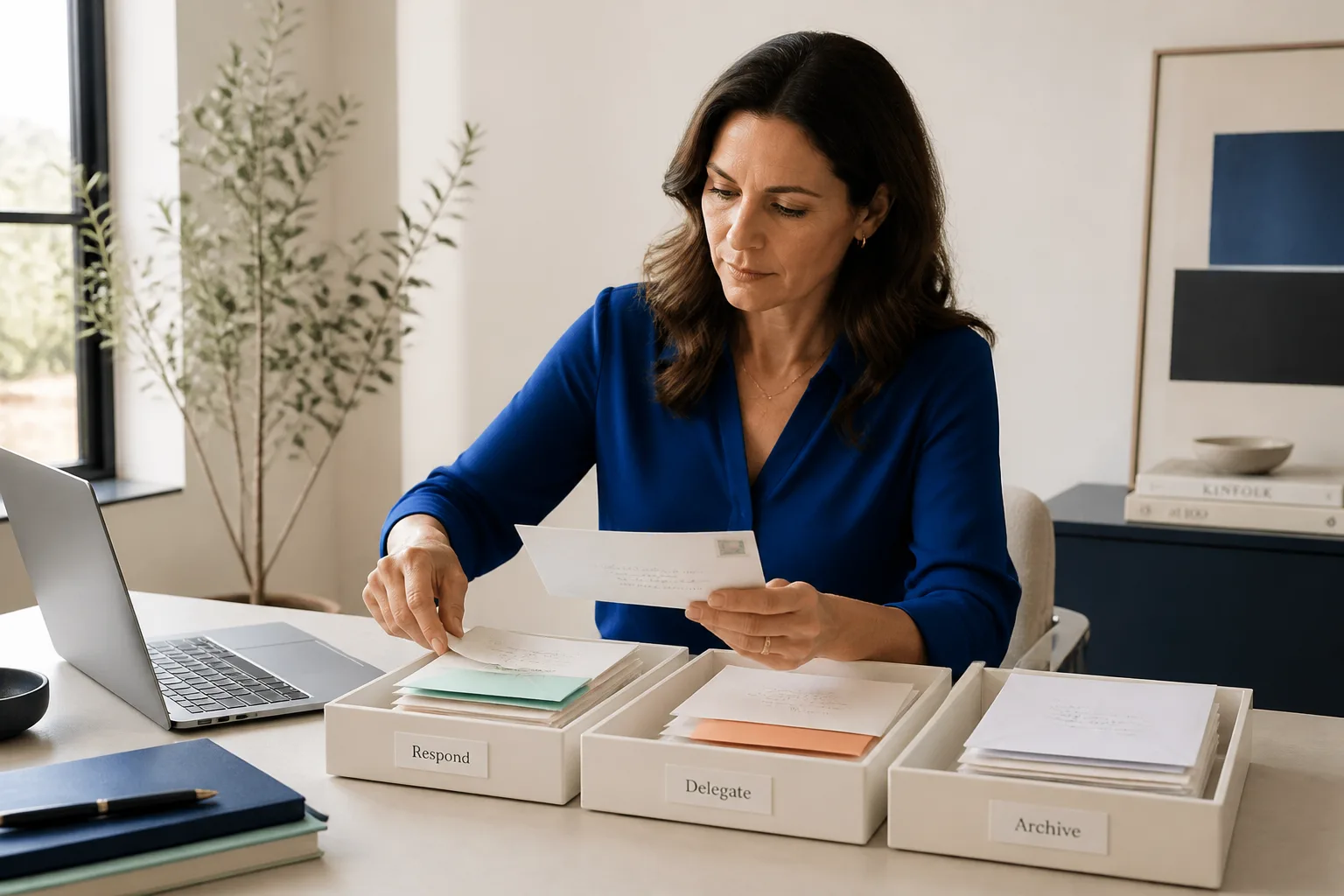
A receipt and a question from a client do not deserve the same attention. Lingo’s organization tools help you examine what can be filed and what should stay visible, with review before proposed cleanup changes are applied.
Start an inbox review or ask to work with a specific group of messages. Lingo can organize proposals into useful categories, including people and organizations when the available evidence supports them.
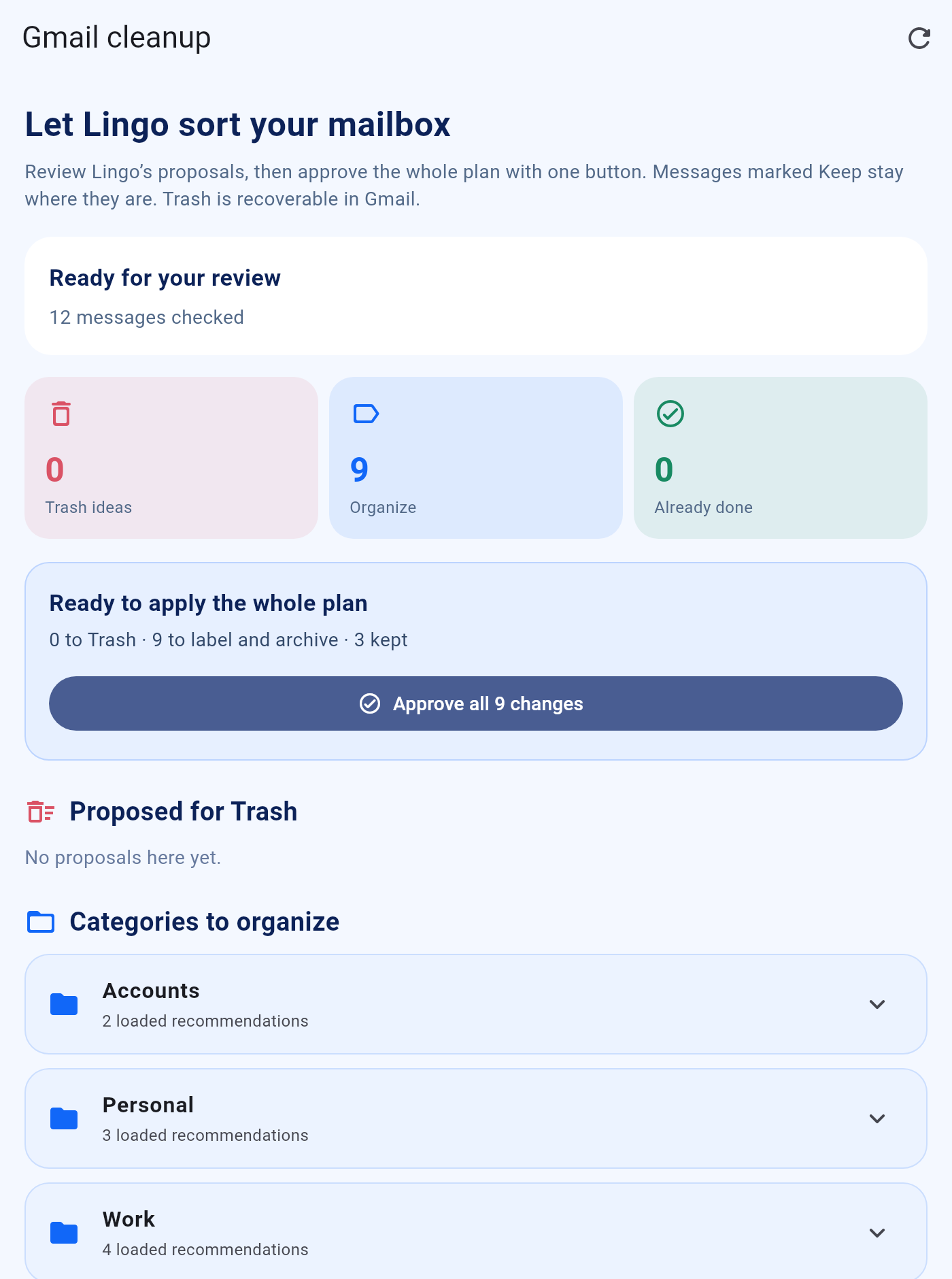
The actual cleanup screen separates the recommendation from the applied action. You can inspect the groups and make decisions while retained records remain distinct from low value mail.
Approve the changes you want. Keep the conversations that need your attention. A review is not an instruction to silently move every message.
Routine notices can be worth keeping without dominating the inbox. Clear categories and review controls give you a way to distinguish a useful record from an active conversation.
People with crowded inboxes · Long established email accounts · Anyone who wants a reviewed cleanup
✓Review proposed filing categories
✓Organize messages with labels
✓Archive the messages you choose
✓Mark selected mail read or unread
✓Review cleanup proposals before applying
Connect Gmail. Cleanup runs require an available connection and review flow. Some cleanup services have separate access requirements.
Use the service from your Lingo account. For account access and any plan conditions, use the options shown in the app.
Open Lingo ↗Thanks for the outline. I can help find a room at Garden Studio. Let’s review the format on Thursday.
A useful conversation to preserve, not an invitation to discard.Inspect the recommendation and its messages. Keep important conversations and apply only the changes you choose. The sample above shows the app’s actual review screen, not a completed mailbox change.
No. Scanning produces recommendations. Review and approval are separate from classification.
Connect Gmail. Cleanup runs require an available connection and review flow. Some cleanup services have separate access requirements.
No. The interface examples use fictional sample data. Generated photographs are illustrative. The downloadable samples are provided so you can inspect the format and result.
Start with one person, one promise or one thing you want to move forward.