
What you bring
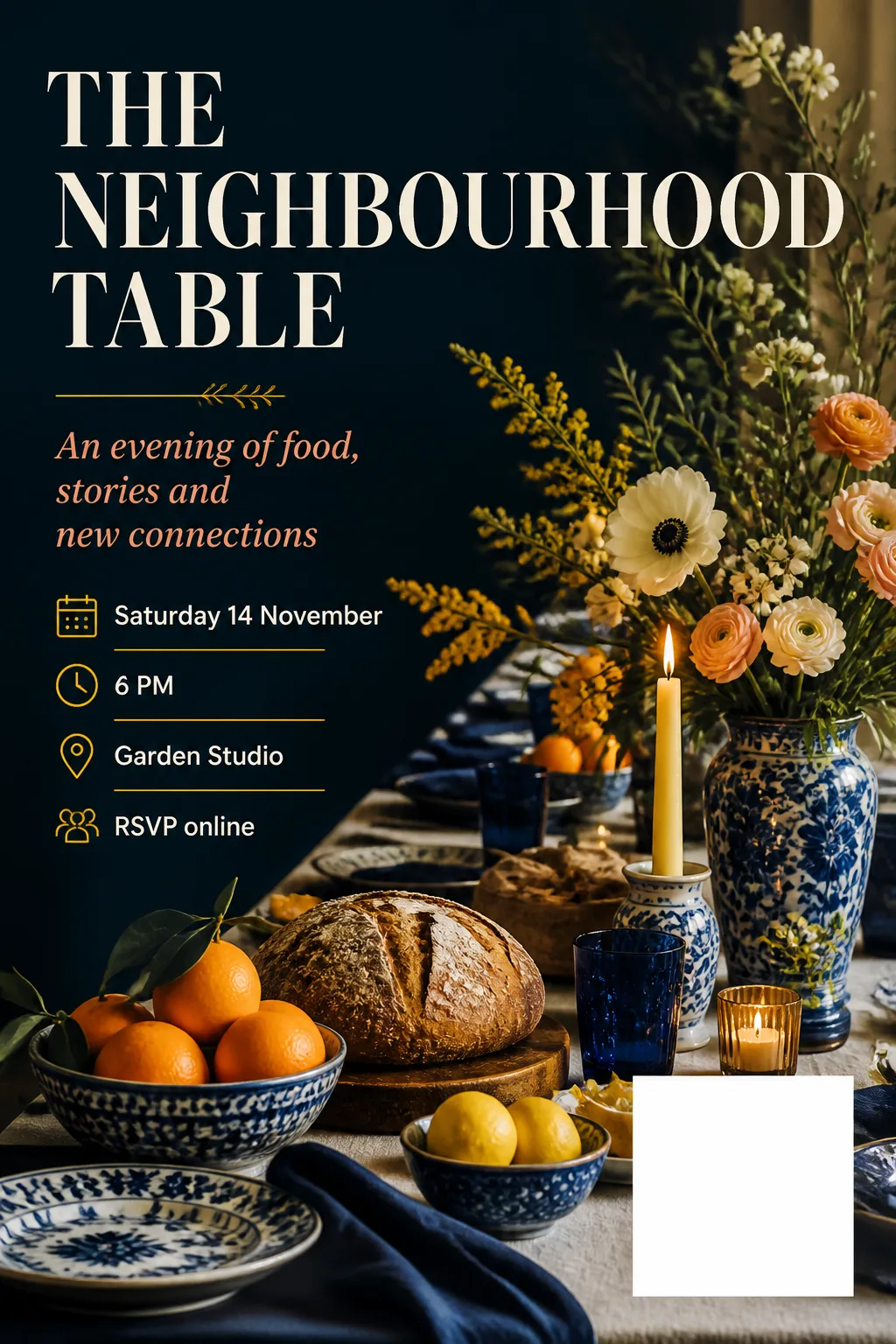
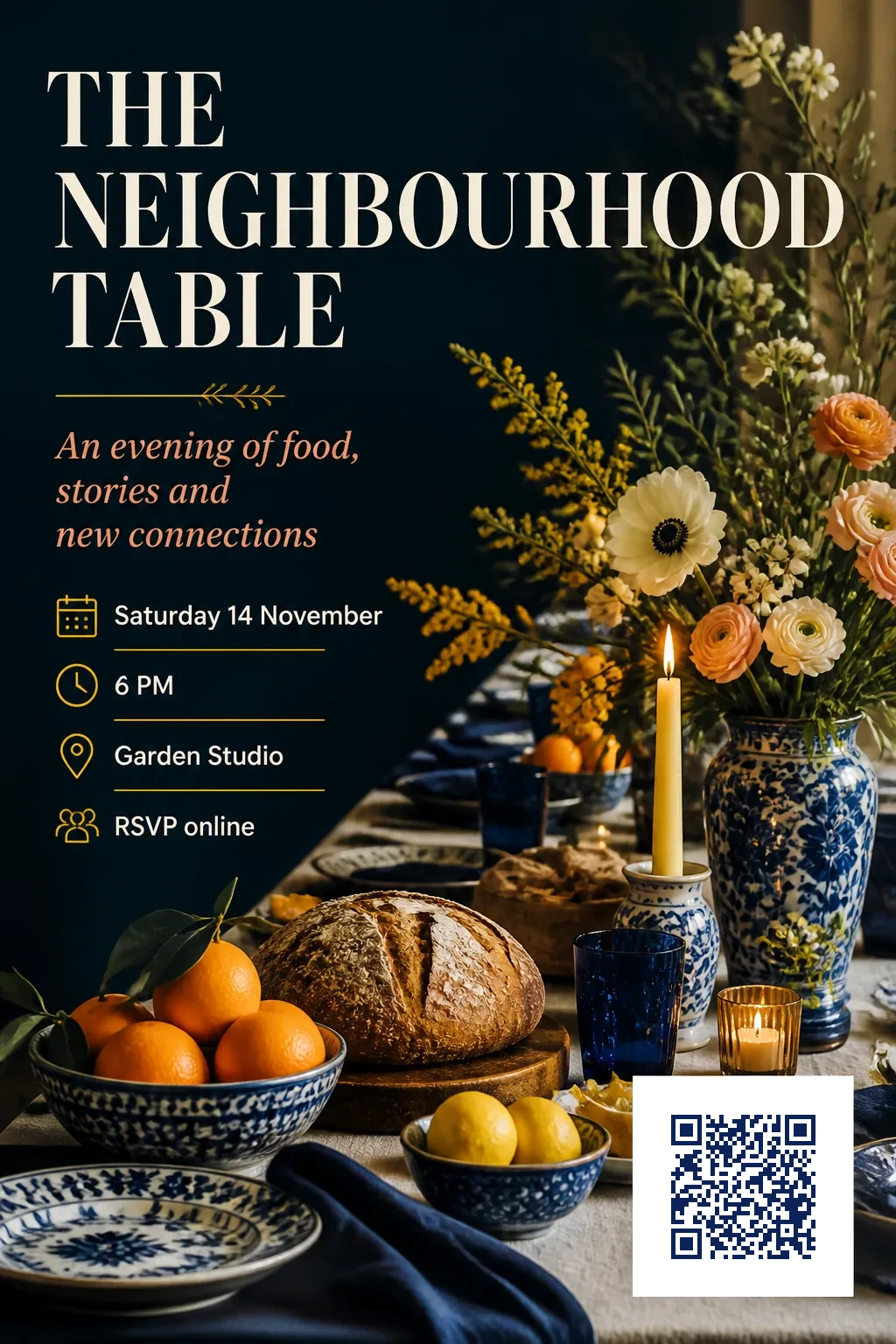
The fictional Neighbourhood Table is an evening of food, stories and new connections. The brief includes a date, a time, a venue and a warm cobalt and cream visual direction.
 Lingo Chats
Promote an event, explain an idea or make a conversation more memorable. Create and refine an image or flyer with Lingo instead of trying to explain the whole vision in one perfect instruction.
Start with Lingo ↗See a worked example ↓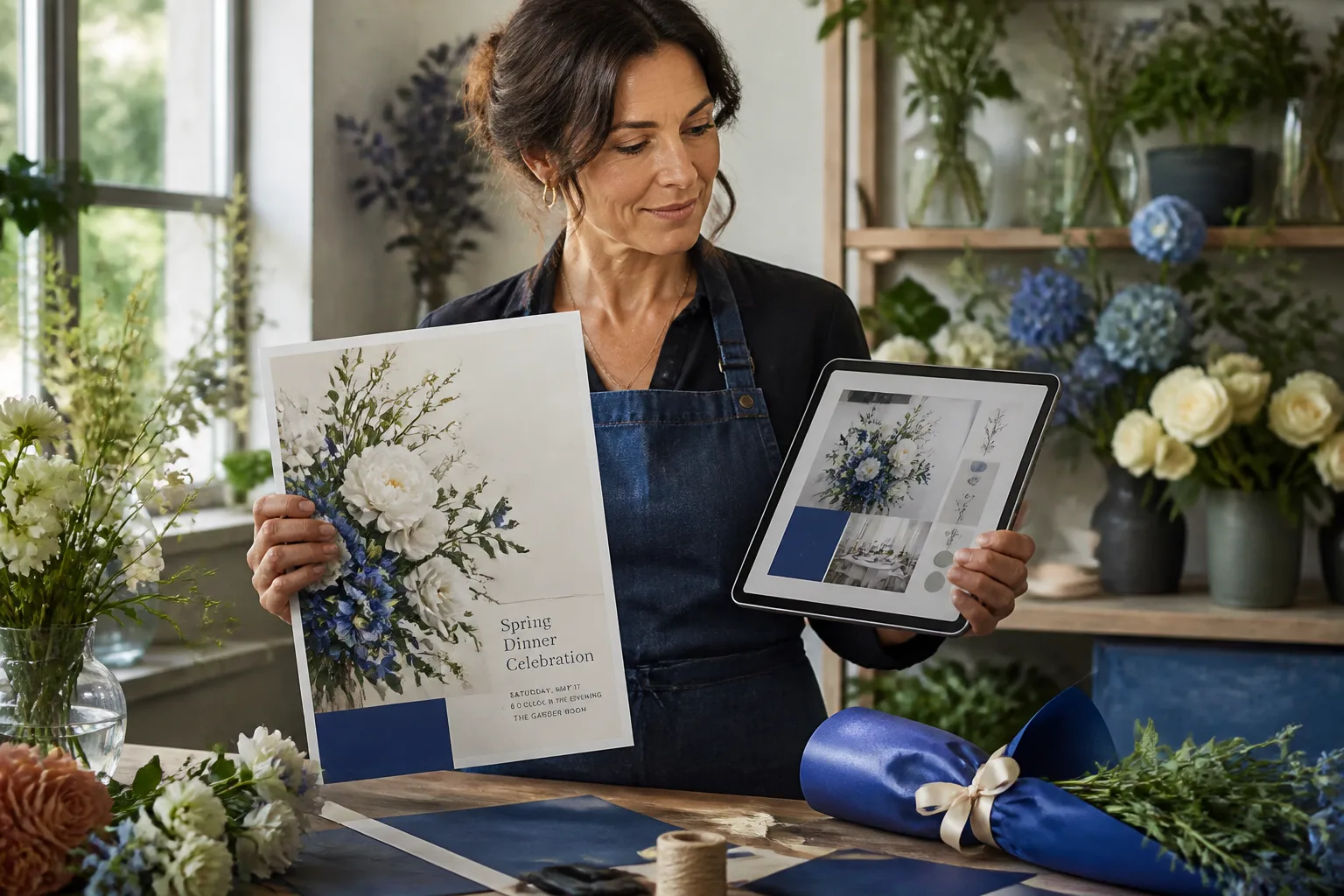
People should be able to see the feeling of your event or idea. Bring Lingo the purpose and the details, then build a visual you can react to, refine and eventually share.
The fictional Neighbourhood Table is an evening of food, stories and new connections. The brief includes a date, a time, a venue and a warm cobalt and cream visual direction.
The finished sample on this page is an actual generated artwork, not a blank device prop. Open the full image to inspect the typography, composition and event details.
Review the result and ask for the changes you need. If you want a QR in the final design, create the real code for your destination and use that asset.
A supplied photograph or earlier result can guide an edit. Be clear about what needs to remain and what should change, then inspect the revised image before sending it to someone else.
People announcing an event · Independent businesses · Anyone who wants an idea to be seen
✓Generate images from a clear brief
✓Create event and business flyers
✓Edit a supplied reference image
✓Include an existing QR asset in artwork
✓Refine the result in conversation
Share the purpose, audience and any reference image. Tell Lingo when you want to share the final file.
Use the service from your Lingo account. For account access and any plan conditions, use the options shown in the app.
Open Lingo ↗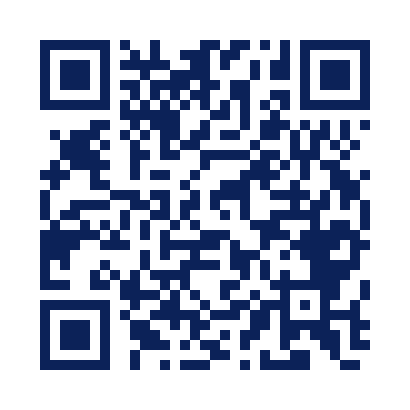
The generated artwork reserved a clean space. The real QR was then placed there in the finished layout. Scan the code: this fictional demonstration opens the Lingo homepage, not a real RSVP form.
Yes. Attach the image and describe what to preserve and what you want changed.
Share the purpose, audience and any reference image. Tell Lingo when you want to share the final file.
No. The interface examples use fictional sample data. Generated photographs are illustrative. The downloadable samples are provided so you can inspect the format and result.
Start with one person, one promise or one thing you want to move forward.